These guides apply to manual configuration OctoBot instances. Start one from your OctoBot node interface by clicking New OctoBot.
Node mode was recently added to OctoBot in version 3. See the getting started guide for more information.
Node mode was recently added to OctoBot in version 3. See the getting started guide for more information.
Tentacle Manager
OctBot is fully modular, so you can install any modules you want !
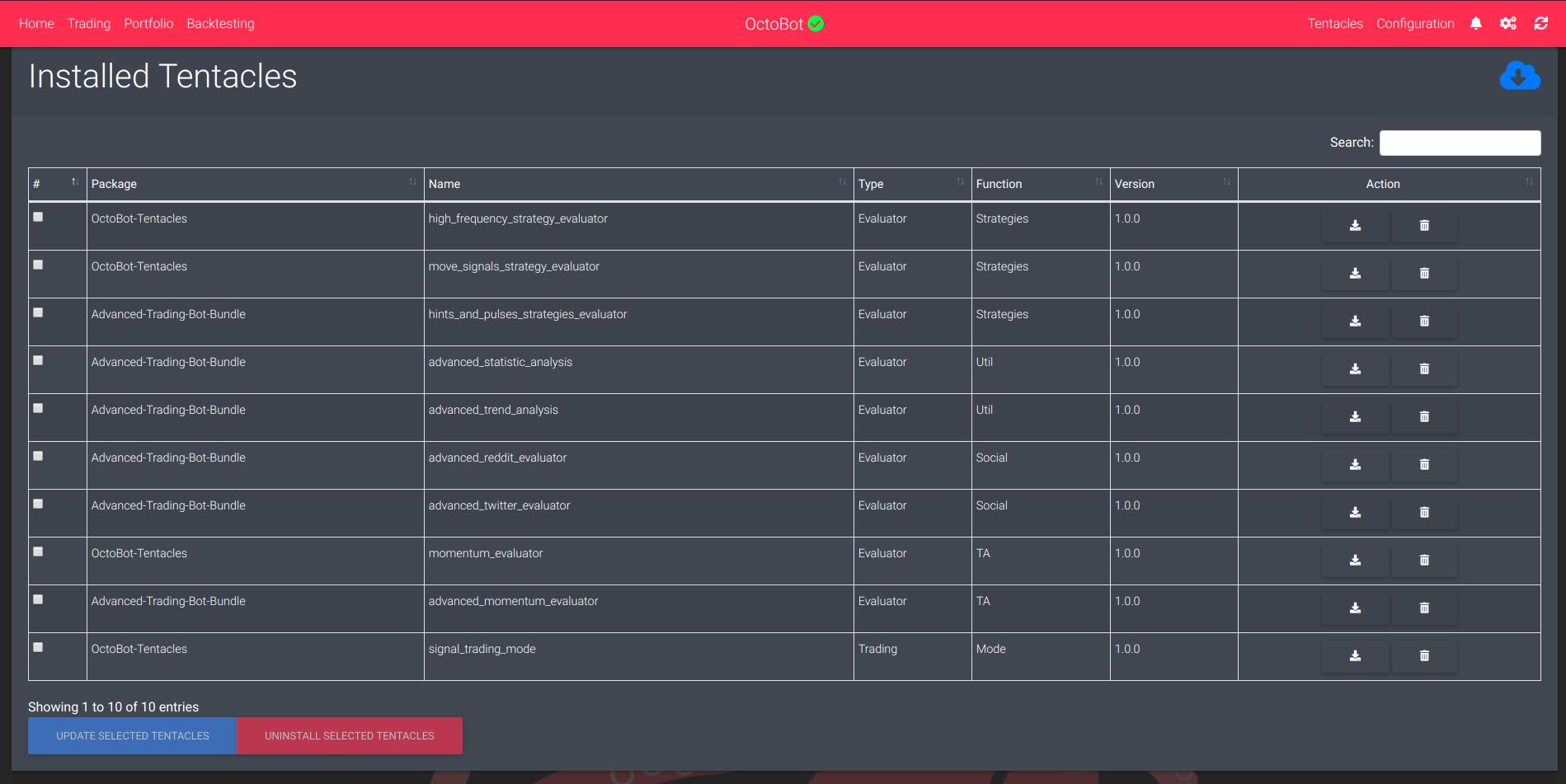
You can find the
packages/tentacles folder of the OctoBot repository all default tentacles (modules) you can create to custom your own cryptocurrencies trader bot.
And all the default tentacles package from this folder will be installed automatically.
If you want to modify or disable some of them see the developers customize your OctoBot section.
Add new tentacles packages to your OctoBot
Using the web interface
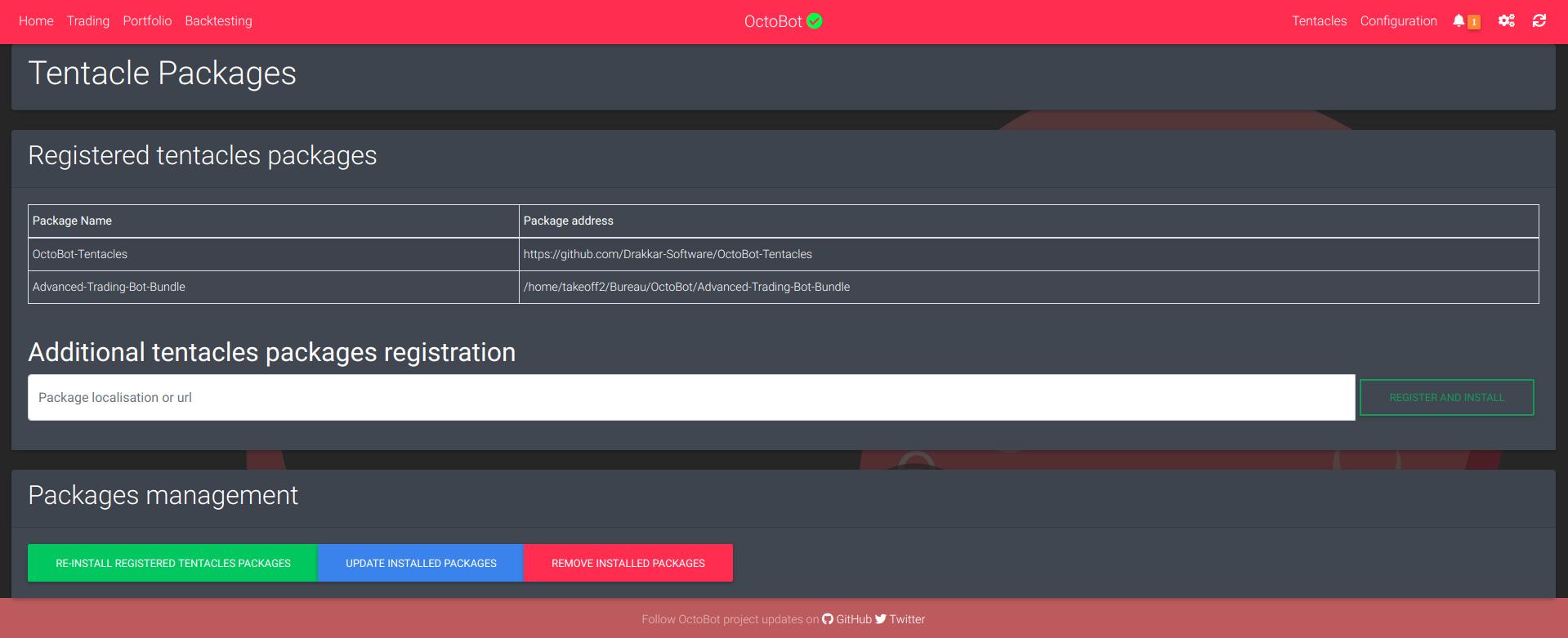
Got to the Tentacles tab on the navigation bar (in the advanced part), then go to INSTALL TENTACLES PACKAGES and register the address (local or url) of the wanted tentacles packages. This will automatically install the package in your OctoBot.
Install a specific tentacle
Please checkout the dedicated section on our developers guides.